
How Pennsville Arrests Become Records
The Pennsville Township Police Department handles the incident itself. Want the report? That office is your first stop. Custody is a different story. When Pennsville arrestees cannot be released, they generally go to Salem County Correctional Facility in Woodstown, which posts a DSI-ITI roster online. That roster is the county's main official custody check, while the police department keeps its own investigation files.
Pennsville counted 12,684 residents in the 2020 Census, the largest municipality on this city map. Even so, there is no standalone city booking database. An officer can arrest and release, issue a summons, or hand custody to the county. A name missing from the jail roster does not mean no arrest happened. Each detail, from arresting agency to place of custody, needs its own confirmation.
Where Pennsville Recent Arrests Appear
The department publishes no daily Pennsville arrest log and no booking-photo feed. Match the source to the question instead. Official police and county records come first; news coverage is a secondary snapshot.
| Channel | Photos? | Official? | How to use it |
|---|---|---|---|
| Pennsville Police | Not as a public feed | Yes | Ask records staff for a specific incident or arrest report. |
| SCCF DSI-ITI roster | Profile may show one | Official-linked | Search current custody or include released people. |
| Salem County OPRA | May be requested | Yes | Request a county-held booking record or photo. |
| The News of Salem County | Often a log graphic | No, local news | Use dated department summaries as leads, then verify. |
Note: Salem County does not publish a documented 24-hour or multi-day sheriff feed, and the live roster has no stated refresh schedule.
Arrested in Pennsville: Lookup Steps
Begin with the person's likely custody status, not an unofficial name card. A brand-new booking can lag data entry. Someone released at the police stage may never show as a jail resident at all.
- Search the official-linked SCCF roster by first and last name. Add date of birth only when needed to separate similar names.
- Try the released-inmates checkbox. The result row may show name, booking number, permanent ID, date of birth, and release date.
- Open a matching profile carefully. It can include a photo area, charges, bond, hearing details, custody location, projected dates, aliases, and detainers.
- If nothing appears, call SCCF at 856-769-4300 for a custody question or Pennsville dispatch at 856-678-7777 for the local agency path.
- Request the underlying report from Pennsville Police, or use county OPRA when SCCF holds the desired booking record.
The roster promises no fixed posting speed and no set online retention window. Its released toggle helps with past custody. For a case outcome, though, a court search is the better route. The county-wide Salem County recent arrests lookup covers the roster, photos, records, and warrant channels. It goes into more depth on each channel.
Pennsville Police Arrest Records
For a report, start with Pennsville Police. Give the incident date, a case number, and a name if you have one. Staff can confirm whether the department even holds the item you want. A booking record created at SCCF goes through the Salem County OPRA route instead. So does any photo taken there. The Pennsville page lists no separate booking-photo fee. It also guarantees no turnaround on an arrest file, so assume neither.
Pennsville Township Police Department
90 N Broadway
Pennsville, NJ 08070
Police: 856-678-3089
Dispatch/non-emergency: 856-678-7777
Fax: 856-678-9428
Administrative hours run weekdays, 8:30 a.m. to 4:30 p.m.
A city report and a county booking file answer different questions. Ask the city for the event and the police action. Ask the county for jail intake, bond, custody, and the booking photo.
Pennsville Police Summaries in Local News
The News of Salem County ran a late-August 2026 Pennsville Police arrest summary. It spanned several days. A June piece from the department grouped monthly totals. Those covered calls, arrests, traffic stops, crashes, domestic-violence complaints, shoplifting, impaired driving, drugs, robbery, and burglary. The pattern is episodic. It is not a daily official feed.
Open the Pennsville arrest-summary source to see the article's multi-day format.
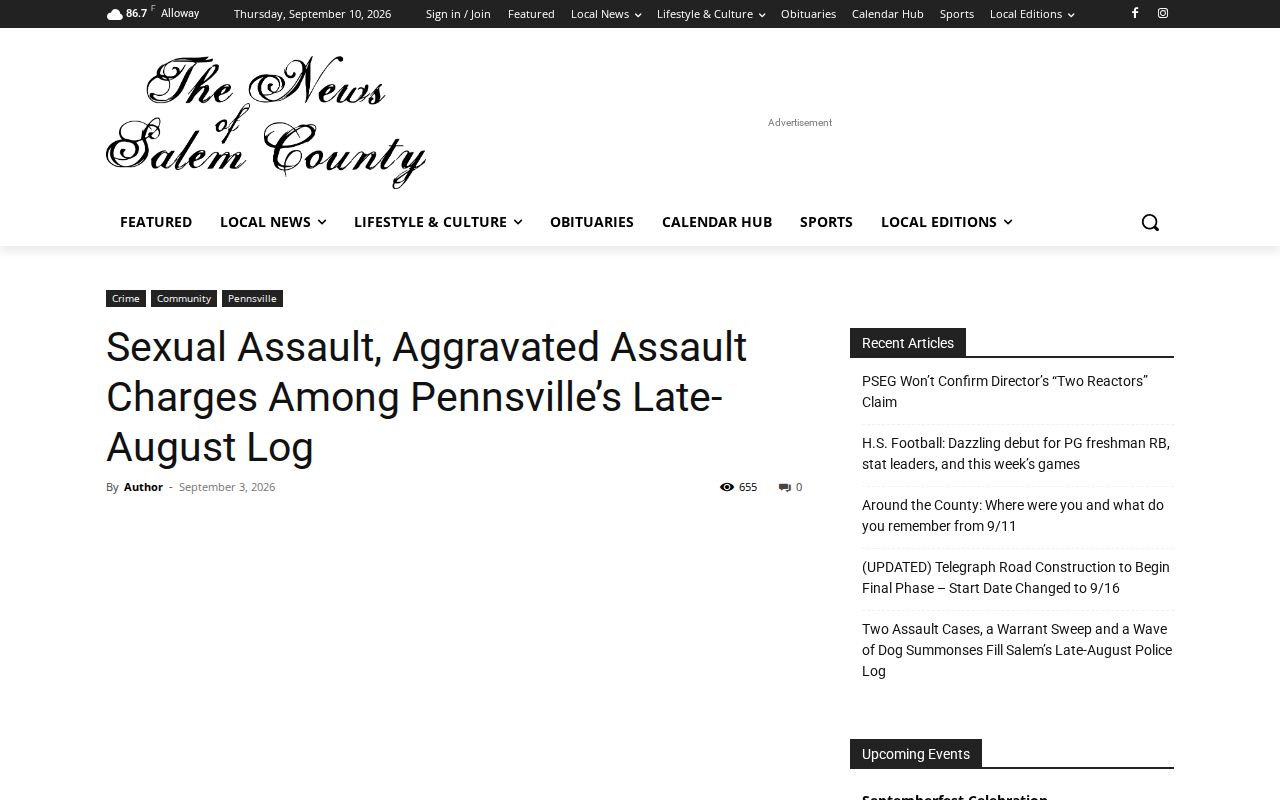
That news presentation is date-windowed. Always check it against police, jail, and court records before relying on it.
Pennsville Police Contact and Scope
The department page names Chief Nick Bowen. It also lists phone routes for police, records or administration, dispatch, and fax. No searchable arrest archive is advertised. A direct, focused request beats hunting for a municipal booking portal that does not exist.
The official Pennsville Police page carries the full contact listing.
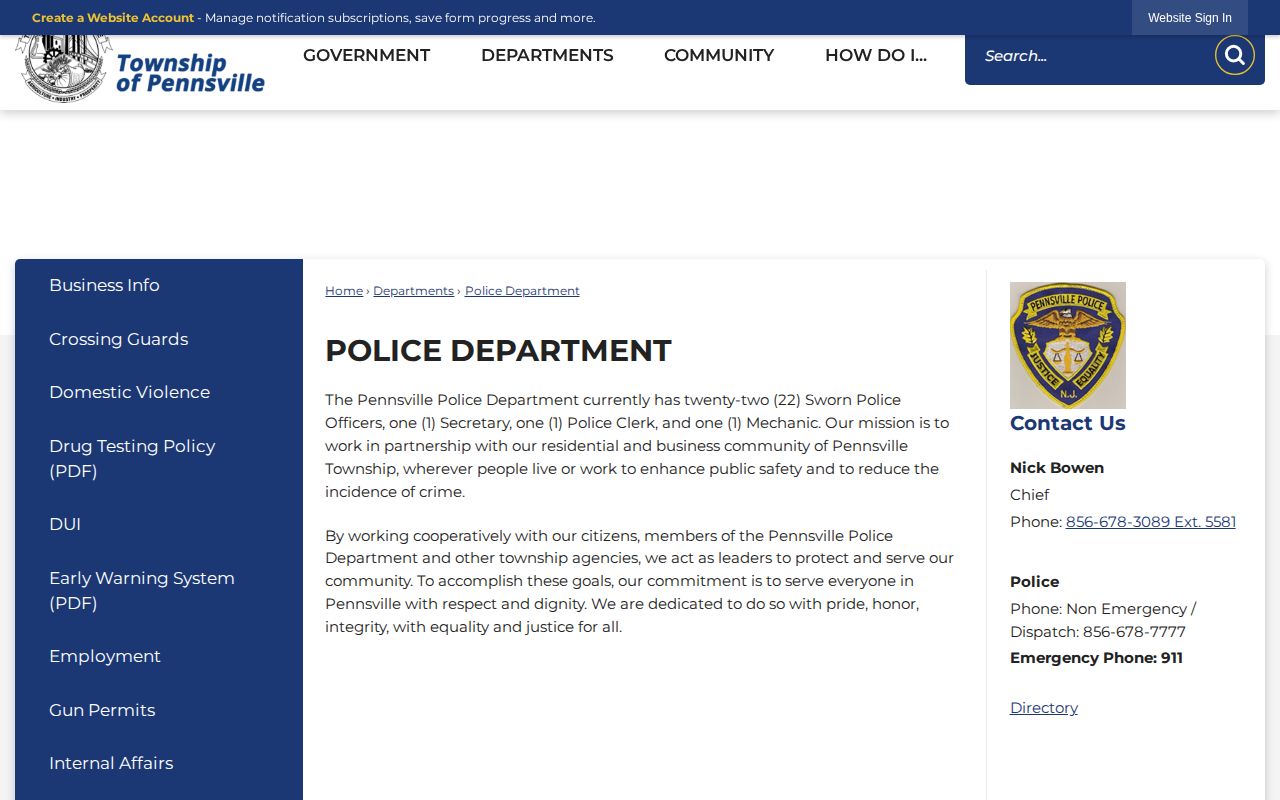
Recheck contact details on that page before calling or mailing a request.
When a New Booking May Appear
The DSI-ITI portal shows no last-updated stamp. Salem County states no posting cadence either. Intake, identity checks, and data entry all come first. Each sits between an arrest and a visible roster profile. Never promise a Pennsville booking will appear within a set number of hours. An urgent custody question should go to the SCCF phone line instead.
City summaries can lag too. The local news pieces collect several days or a full month of totals. Their date windows give context but not current custody.
County, Court, and Federal Boundaries
An SCCF profile may show an ICE number or detainer. The county roster is still not an immigration locator. ICE custody belongs in the official ICE detainee locator. Federal sentences belong in the Bureau of Prisons locator. New Jersey prison custody belongs in the NJDOC offender search. A transfer can explain a mismatch. An old Pennsville arrest may no longer match anyone in the county system.
For the legal result, use New Jersey Courts. Booking charges can be amended, dismissed, resolved by plea, or end in acquittal. Matching the police event, the county custody record, and the court case keeps things straight. That step keeps a stale roster or news entry from being mistaken for a final outcome.
Reading Pennsville Booking Fields
Read each result one field at a time. A DSI-ITI row typically lists the name, booking number, permanent identifier, date of birth, and a release date. The full profile adds more. Expect physical descriptors, custody location, commitment and projected release dates, aliases, detainers, bond, charges, and hearings. Treat dates as clues only. A blank release field does not prove the person is still in custody, and a projected date is never a guaranteed release. Check the arresting agency too. The county field can mislead. A person arrested in Pennsville may be housed for another jurisdiction or transfer after booking. Keep event location, arresting agency, booking facility, and court venue as separate facts.
Older Pennsville Arrest Information
Start with the roster again. Rerun it with released people included before digging deeper. Next, request the police report from Pennsville. Ask the county custodian for the booking file if SCCF handled intake. New Jersey retention schedules govern how agencies keep records. They do not promise that data stays searchable online for a fixed number of days. News archives can narrow a date window. Their survival and search visibility rest with the publisher, though. Some stories omit corrections and outcomes. Follow the sound sequence: source report, county booking record when one exists, then court disposition. If an official source corrects an error, rely on the corrected government record. Use that version when contacting any secondary publisher. A missing public result is not proof a record was erased. Sealed, expunged, juvenile, victim-protected, and investigatory material can be restricted. Routine data changes also affect visibility.
Pennsville Booking Photos in Context
The county roster may show a thumbnail and a larger photo in a profile. That only ties the image to the booking. A release, transfer, correction, or court ruling can change the context. The intake image stays the same. The official profile is a custody record, not a city photo archive. No photo on the roster? Ask whether SCCF holds the item, and use the county OPRA process. Pennsville Police may hold event images instead of the jail intake photograph. Say which one you want. An incident image, an evidence photograph, and a booking portrait are not interchangeable records. Disclosure rules can differ too. State-prison photos belong to NJDOC. Never present one as the city booking source.
Old copies linger online. A secondary publisher may keep a photo after the official record changes. Compare any dated news page against the police report, the current custody source, and the court disposition. The News of Salem County summaries help date an event. They do not guarantee a booking photo or prove that a person entered SCCF.